Snippet Permissions for Generative Engines: Managing nosnippet, max-snippet, and data-nosnippet
Restrictive snippet rules can stop AI search engines from quoting pages that are still indexed. How nosnippet, max-snippet and data-nosnippet work, how conflicts resolve, and how to audit them.
By J. Pannu · · 9 min read
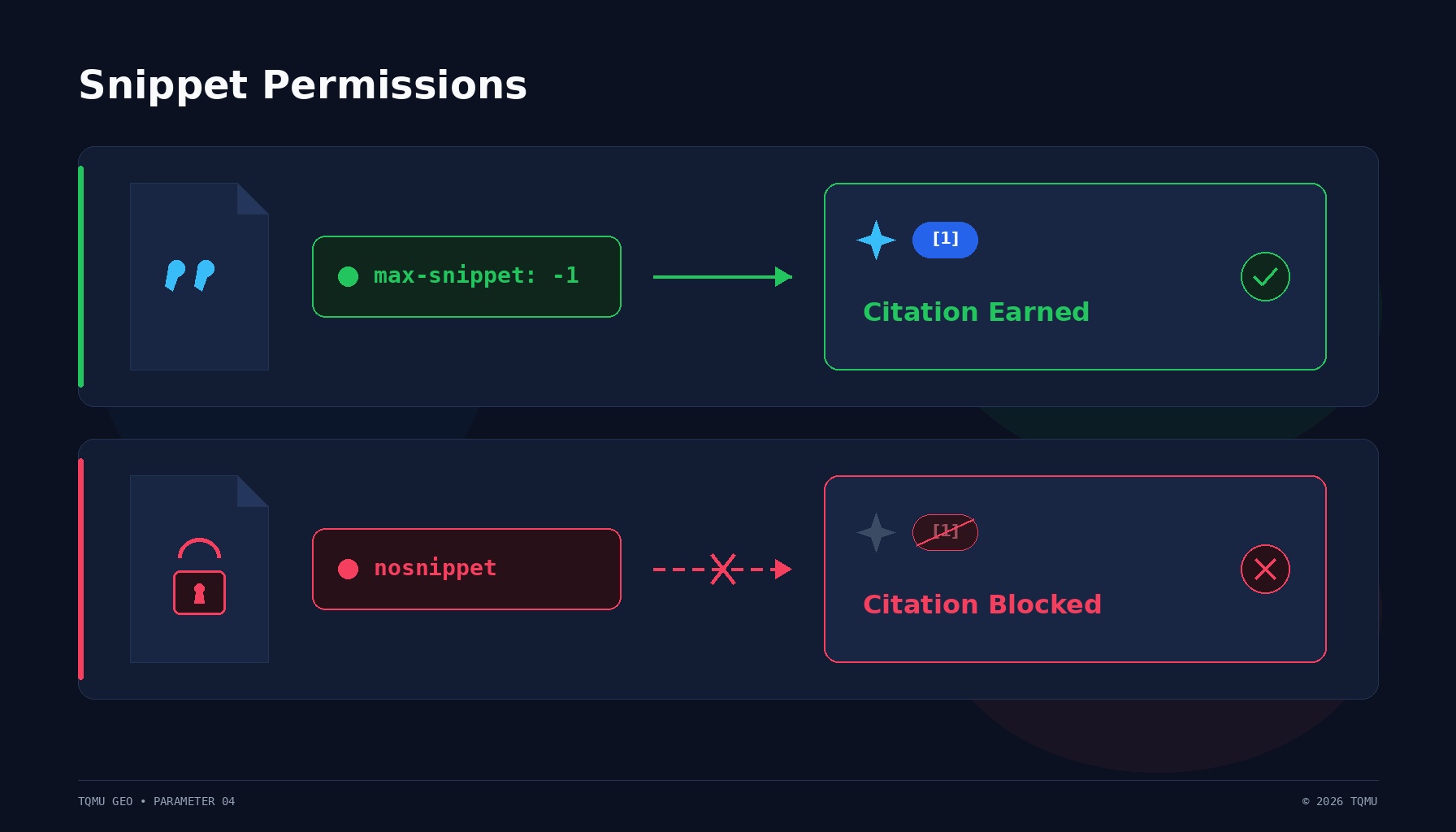
Generative search engines do not just index links; they quote, summarize, and synthesize passages directly into synthesized answers. When a retrieval engine answers a user prompt in ChatGPT Search, Google AI Overviews, Perplexity, or Microsoft Copilot, it extracts text fragments from candidate documents to ground its response.
If your technical infrastructure emits restrictive snippet directives, generative systems are legally and algorithmically constrained from quoting your content. An unexpected nosnippet directive, an overly aggressive max-snippet character cap, or an errant data-nosnippet attribute can strip your site of citation eligibility while your pages remain indexed.
This technical guide details the mechanics of snippet controls, their interpretation across traditional and generative search architectures, precise diagnostic workflows, and implementation standards for modern web applications.
The Core Mechanics of Snippet Controls
Search engines historically used snippets to provide preview text beneath blue hyperlinks on search engine results pages (SERPs). As information retrieval expanded into generative engine optimization (GEO), snippet controls took on a dual role: controlling SERP previews and governing whether retrieval-augmented generation (RAG) pipelines can display quoted excerpts to users.
Snippet rules operate at three distinct architectural levels:
- HTTP Response Headers (
X-Robots-Tag): Applied at the server or edge layer, governing the entire document or non-HTML payloads (such as PDFs). - Document Head Metadata (
<meta name="robots">): Defined within the HTML<head>element, governing page-level parsing. - Inline DOM Attributes (
data-nosnippet): Applied directly to HTML elements within the<body>, excluding specific passages from text extraction while leaving the rest of the document eligible.
+--------------------------------------------------------------------------+
| HTTP Response: X-Robots-Tag: max-snippet:150                             |
+--------------------------------------------------------------------------+
                                    |
                                    v
+--------------------------------------------------------------------------+
| HTML <head>: <meta name="robots" content="max-snippet:300">              |
| (Rule: Most restrictive directive between HTTP header and HTML tag wins)  |
+--------------------------------------------------------------------------+
                                    |
                                    v
+--------------------------------------------------------------------------+
| HTML <body>: Substantive content extracted for LLM context               |
|   |-- Section 1: Core technical definitions (Eligible for quote)        |
|   |-- Section 2: <div data-nosnippet>Cookie banner / boilerplate</div>    |
|                  (Filtered out of passage candidates)                    |
+--------------------------------------------------------------------------+
The Primary Directives: Syntax and Specification
Snippet permissions are governed primarily by the robots exclusion extensions standardized across major search engines and formalized in search engineering documentation.
1. nosnippet
The nosnippet directive instructs search engines not to display any text snippet or video preview for the page.
- HTML Tag:
<meta name="robots" content="nosnippet"> - HTTP Header:
X-Robots-Tag: nosnippet
According to Google Search Central's official specification:
"Do not show a text snippet or video preview for this page in search results. A static thumbnail (if available) may still be shown when Google search results contain images."
In generative search engines, nosnippet has severe ramifications. While an engine may still crawl and index the document, it cannot display an excerpt from your page or construct an extractive quotation in its synthesized response. If an engine's internal policy requires that every generated factual claim be paired with a verifiable verbatim snippet, marking a page nosnippet effectively disqualifies it as a cited source.
2. max-snippet:[number]
The max-snippet directive sets a strict upper bound on the number of characters search engines can extract for a snippet preview.
- Syntax:
<meta name="robots" content="max-snippet:[integer]"> - Boundary values:
max-snippet:-1: No snippet character limit; the engine decides preview length (default behavior).max-snippet:0: Disallows text snippets entirely, functioning as an alias fornosnippet.max-snippet:120: Restricts extraction to a maximum of 120 characters.
If an engineering team sets max-snippet:50 to limit traditional SERP previews, an AI summarizer cannot extract a complete sentence or multi-clause paragraph. Retrieval models typically require passage chunks of 40 to 60 words (roughly 250 to 400 characters) to convey complete thoughts. A 50-character limit truncates the text below the threshold needed for authoritative synthesis.
3. data-nosnippet
The data-nosnippet attribute provides granular control over individual HTML sections. It can be applied to <span>, <div>, and <section> tags.
- Syntax:
<div data-nosnippet>Confidential or auxiliary content</div> - Valid elements: W3C HTML5 container elements (
span,div,section,p, etc.).
When an extraction parser encounters data-nosnippet, it drops that element's inner text from the candidate passage pool. Unlike nosnippet, this directive does not affect surrounding content. It is ideal for stripping auxiliary content such as legal disclaimers, cookie notices, navigation menus, and pricing disclaimers from AI extraction while keeping technical data available.
Why Generative Search Engines Care About Snippet Controls
Traditional web search engines return a ranked list of hyperlinks accompanied by extracted keywords. Generative engines—including OpenAI's ChatGPT Search, Perplexity Pro, Google AI Overviews, and Anthropic's Claude with Search—operate through Retrieval-Augmented Generation (RAG).
+-------------------+      +----------------------+      +---------------------+
| User Prompt /     | ---> | Vector / Lexical     | ---> | Candidate Passage   |
| Search Query      |      | Document Index       |      | Extraction (Chunks) |
+-------------------+      +----------------------+      +---------------------+
                                                                    |
                                                                    v
+-------------------+      +----------------------+      +---------------------+
| Generated Answer  | <--- | LLM Synthesizer &    | <--- | Snippet Permission  |
| with Citations    |      | Grounding Verifier   |      | Filter Gatekeeper   |
+-------------------+      +----------------------+      +---------------------+
In a standard RAG pipeline:
- Retrieval: The engine retrieves candidate documents matching the user query.
- Passage Extraction: Document text is divided into chunks (typically 100 to 300 tokens).
- Snippet Filtering: The engine's compliance layer checks robots metadata and copyright controls. If the document carries
nosnippet, extracted chunks cannot be passed into the citation generation layer. - Synthesis & Citation: The language model generates the answer, placing numbered citations pointing directly to pages whose passages were quoted or synthesized.
As demonstrated in foundational information retrieval research (Aggarwal et al., 2023, "GEO: Generative Engine Optimization", Princeton University, Georgia Tech, and IIT Delhi), generative engines favor sources providing concise, extractable factual statements. When a site suppresses snippet extraction, the engine cannot verify factual alignment against a public text fragment, forcing the model to cite competitor documentation instead.
Directive Conflict Resolution and Precedence
Complex enterprise web applications often emit robots directives from multiple layers: reverse proxies, edge workers, CMS plugins, and component-level headers. Understanding how parsers resolve conflicts prevents catastrophic visibility drops.
Rule 1: HTTP Header vs. HTML Meta Tag
When an HTTP X-Robots-Tag and an HTML <meta name="robots"> disagree, crawlers apply the most restrictive directive:
HTTP Header (X-Robots-Tag) |
HTML Tag (<meta name="robots">) |
Effective Resolution |
|---|---|---|
max-snippet:500 |
nosnippet |
nosnippet (Snippets disabled) |
nosnippet |
max-snippet:500 |
nosnippet (Snippets disabled) |
max-snippet:100 |
max-snippet:300 |
max-snippet:100 (Lowest limit wins) |
all |
max-snippet:200 |
max-snippet:200 (Restrictive limit wins) |
| No header present | No tag present | Full snippets allowed (Default: max-snippet:-1) |
Rule 2: User-Agent Specific Directives
A crawler checks for directives targeting its specific user-agent before falling back to generic rules.
<!-- Example of conflicting user-agent directives -->
<meta name="robots" content="max-snippet:-1">
<meta name="googlebot" content="nosnippet">
In this scenario:
- Generic bots (such as Bingbot or DuckDuckBot) extract snippets without limit.
- Googlebot parses the targeted
googlebottag and disables all snippets and AI Overview citations.
Rule 3: robots.txt Disallow vs. nosnippet
A critical point of confusion among webmasters is the relationship between robots.txt and nosnippet.
robots.txtblocks crawling, not indexing.- A crawler that is blocked by
robots.txtcannot fetch the HTML page. - Therefore, the crawler cannot read the
<meta name="robots" content="nosnippet">tag inside the HTML. - If external links point to the URL, the search engine may index the URL with no snippet preview, or rely on anchor text.
- To guarantee that snippets are restricted, the page must return
200 OKand allow crawler access so directives can be parsed.
Step-by-Step Diagnostic Audit Workflow
To verify that your web pages permit generative engine snippet extraction, execute this three-step terminal and browser audit.
Step 1: Inspect HTTP Headers via cURL
Test the raw HTTP response headers using curl to ensure edge proxies are not injecting nosnippet or restrictive max-snippet rules.
# Audit clean response headers
curl -sI -A "Mozilla/5.0 (compatible; Googlebot/2.1; +http://www.google.com/bot.html)"   https://example.com/docs/api-guide | grep -i "x-robots-tag"
Expected output for optimal snippet access:
- The command returns an empty response (no restrictive header), or:
X-Robots-Tag: max-snippet:-1, max-image-preview:large
Defective output requiring immediate correction:
X-Robots-Tag: nosnippet
X-Robots-Tag: max-snippet:30
Step 2: Validate HTML <head> Meta Tags
Inspect the static HTML source returned to crawlers:
curl -sL https://example.com/docs/api-guide | grep -E -i 'name=["'"'"'](robots|googlebot|bingbot)["'"'"']'
Review the content attribute:
- Passing:
<meta name="robots" content="index, follow, max-snippet:-1, max-image-preview:large, max-video-preview:-1"> - Failing: Any declaration containing
nosnippetormax-snippet:0.
Step 3: Audit DOM for data-nosnippet Misplacement
A frequent failure mode occurs when front-end developers wrap large layout containers in data-nosnippet to exclude a small banner, accidentally hiding entire paragraphs.
Run this JavaScript snippet in your browser's Developer Tools Console (F12):
// Scan for elements suppressing snippet extraction
const blockedElements = document.querySelectorAll('[data-nosnippet]');
console.log(`Found ${blockedElements.length} elements with data-nosnippet:`);

blockedElements.forEach((el, index) => {
  const tagName = el.tagName.toLowerCase();
  const textLength = el.innerText.trim().length;
  const sample = el.innerText.trim().substring(0, 80).replace(/\s+/g, ' ');
  console.log(`[${index + 1}] <${tagName}> (${textLength} chars): "${sample}..."`);

  if (textLength > 500) {
    console.warn(`⚠️ Warning: Element <${tagName}> contains ${textLength} characters. Verify this is not blocking core article copy.`);
  }
});
Clean Implementation Patterns
Implement snippet controls correctly across server configurations and modern application frameworks.
Pattern 1: Optimal HTML Document <head>
For maximum generative search citation eligibility, explicitly grant full snippet and rich preview permissions in your document template:
<!DOCTYPE html>
<html lang="en">
<head>
  <meta charset="utf-8">
  <title>Optimizing Content for Generative Search Engines</title>

  <!-- Explicit snippet permissions for all search and AI crawlers -->
  <meta name="robots" content="index, follow, max-snippet:-1, max-image-preview:large, max-video-preview:-1">
</head>
<body>
  <main>
    <h1>Technical Guide to Snippet Permissions</h1>
    <p>Substantive article text that RAG pipelines can extract and cite...</p>

    <!-- Use data-nosnippet strictly on auxiliary or boilerplate UI elements -->
    <aside data-nosnippet class="legal-notice">
      Terms apply. Content subject to change without notice.
    </aside>
  </main>
</body>
</html>
Pattern 2: Framework Header Configuration (Next.js / TanStack Start)
In modern meta-frameworks, configure metadata cleanly in the root route or page definitions:
// Next.js App Router (app/layout.tsx or app/page.tsx)
import type { Metadata } from 'next';

export const metadata: Metadata = {
  robots: {
    index: true,
    follow: true,
    snippet: true, // Translates to max-snippet: -1
    maxSnippet: -1,
    maxImagePreview: 'large',
    maxVideoPreview: -1,
  },
};
In TanStack Start:
// src/routes/__root.tsx
export const Route = createRootRoute({
  head: () => ({
    meta: [
      {
        name: 'robots',
        content: 'index, follow, max-snippet:-1, max-image-preview:large',
      },
    ],
  }),
});
Pattern 3: Edge Server Configuration (Nginx / Cloudflare)
If your architecture applies headers at the edge, configure Nginx to deliver open snippet permissions:
# /etc/nginx/conf.d/security-headers.conf
server {
    server_name example.com;

    # Allow full snippet extraction across all documents
    add_header X-Robots-Tag "all, max-snippet:-1, max-image-preview:large" always;
}
Common Misconfigurations to Avoid
Audit your platform for these four frequent engineering errors:
- Staging Environment Leakage: Developers frequently use
nosnippet, noindexon staging servers. If environment variables fail during deployment, production headers inherit restrictive directives, stripping production pages from citations. - Accidental
max-snippet:0: Some teams setmax-snippet:0believing it prevents third-party scraping while permitting search engine previews. In reality,max-snippet:0completely disables search snippets and AI answer synthesis. - Container-Level
data-nosnippet: Applyingdata-nosnippetto<main>or<body>completely disables passage extraction for the entire page, even if individual child nodes contain valuable content. - Cookie Banner Wrappers: Placing cookie consent scripts or modal code directly within the
<article>tag withoutdata-nosnippetcan cause crawlers to associate your main content with privacy boilerplate. Wrap the modal in<div data-nosnippet>to prevent extraction pollution.
Standards and Authoritative References
- Google Search Central: Robots meta tag, data-nosnippet, and X-Robots-Tag specifications. Google Search Documentation
- Microsoft Bing Webmaster Tools: Robots Meta Tag and Snippet Settings. Bing Webmaster Guidelines
- IETF RFC 9110: HTTP Semantics (Section 6.4: Response Header Fields). IETF Standards
- W3C HTML5 Specification: The meta element and global attributes. W3C Technical Recommendations
- Aggarwal, P., Vishwakarma, A., & Kumaraguru, P. (2023): GEO: Generative Engine Optimization. Princeton University, Georgia Tech, and IIT Delhi. arXiv:2311.09735.
Frequently asked questions
What happens if I add nosnippet to my page?
- Adding nosnippet instructs search engines and AI crawlers not to display any text excerpts or previews from your page. While engines may still index the URL, generative answer systems (such as ChatGPT Search, Perplexity, and Google AI Overviews) cannot extract quotes or synthesize your text into direct answers, significantly reducing your citation frequency.
Does max-snippet:-1 guarantee my content will be cited in AI search?
- No. Setting max-snippet:-1 allows engines to extract text without character restrictions, removing technical barriers to citation. However, citation selection depends on content quality, query relevance, domain authority, and factual alignment within the engine's RAG pipeline.
Can I block specific sections of a page from snippets while allowing the rest?
- Yes. Use the HTML data-nosnippet attribute on <span>, <div>, or <section> elements. Text inside elements marked with data-nosnippet will be excluded from search snippets and AI excerpts, while unmarked content remains fully eligible.
Does robots.txt disallow enforce nosnippet?
- No. If a URL is disallowed in robots.txt, search engines cannot fetch the page and therefore cannot read any <meta name="robots" content="nosnippet"> tag inside the HTML. To enforce snippet rules, the page must be crawlable and return 200 OK.
What is the difference between noindex and nosnippet?
- The noindex directive removes a page entirely from the search engine's index corpus. The nosnippet directive allows the page to be indexed and ranked, but forbids engines from displaying any preview text or extracting quotations for synthesized answers.
What is the recommended max-snippet value for GEO?
- The recommended value is max-snippet:-1 (or omitting the directive entirely), which imposes no character limit on extraction. If character limits must be set for legal reasons, ensure they are at least 300 to 500 characters so complete semantic passages can be extracted.
Does data-nosnippet work on JSON-LD structured data?
- No. The data-nosnippet attribute applies only to visible HTML elements within the <body>. It does not apply to <script type="application/ld+json"> blocks or HTTP response headers.
About the author
J. Pannu · Founder
Full-stack online marketing professional. Simultaneously placed multiple websites in the top, most visited sites in the world.
Keep reading
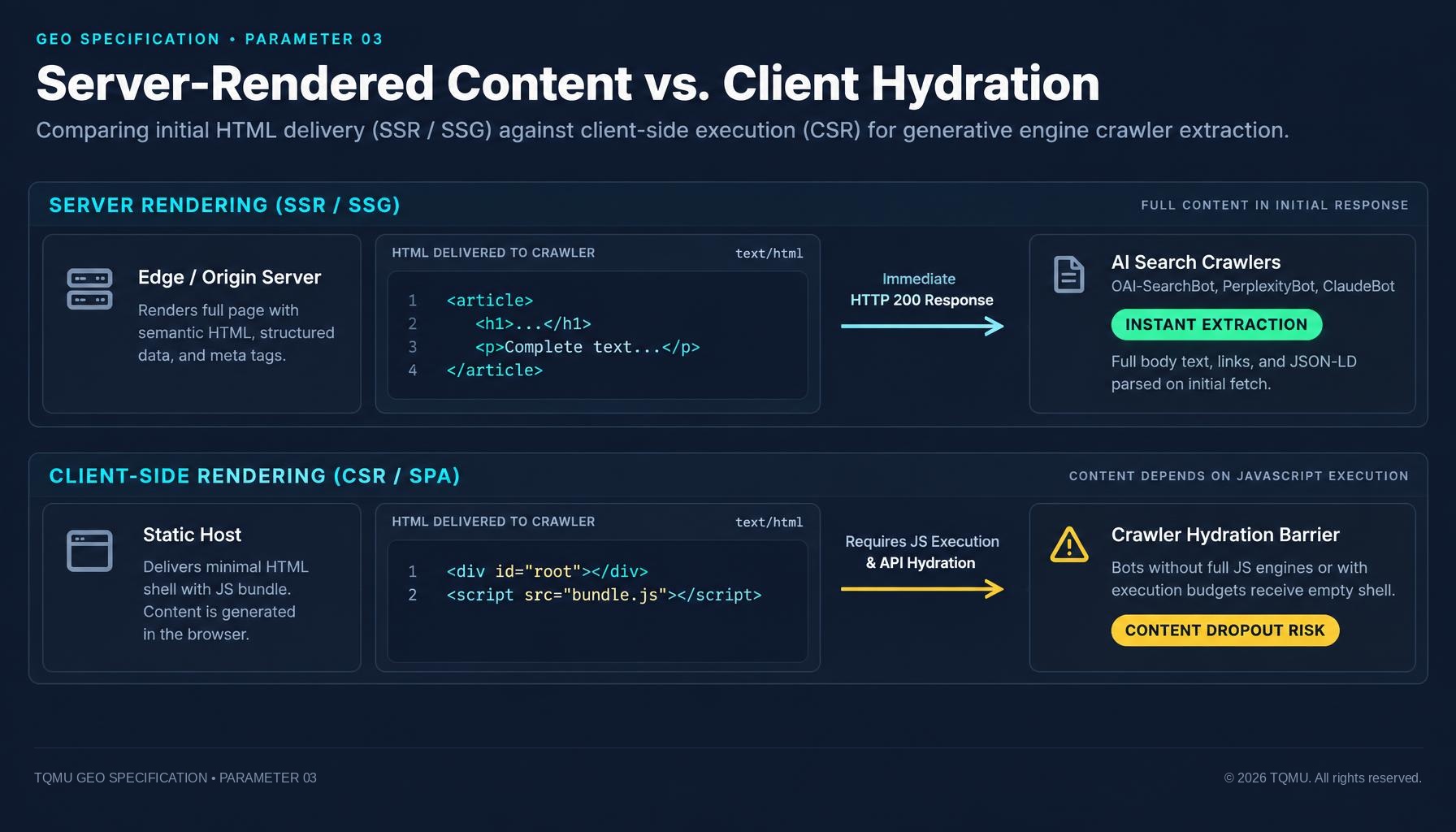
Server-rendered content vs. client hydration: why AI bots can miss JavaScript sites
If your main content appears only after JavaScript runs, some crawlers may see an empty page shell. How SSR, static generation and hydration affect what search and AI crawlers can read, and how to test what your server sends.
Nov 11, 2026 · 10 min read
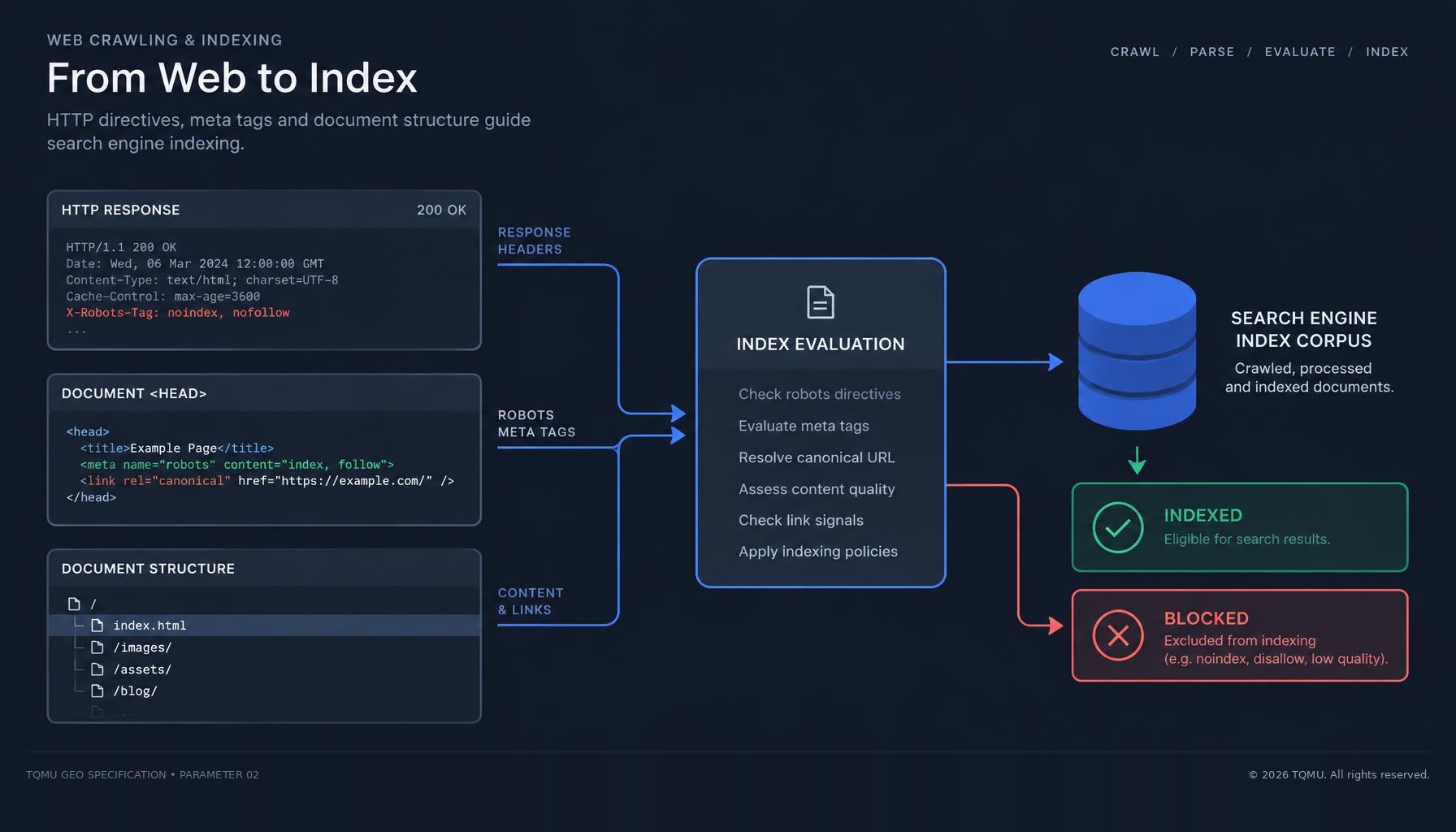
Indexability Signals for Generative Engines: Eliminating Accidental noindex and Header Dropouts
A page can load normally for visitors while HTTP headers or meta tags tell search crawlers not to index it. How to audit noindex directives, resolve conflicts with robots.txt, and ensure AI engines can index and cite your public pages.
Nov 11, 2026 · 9 min read
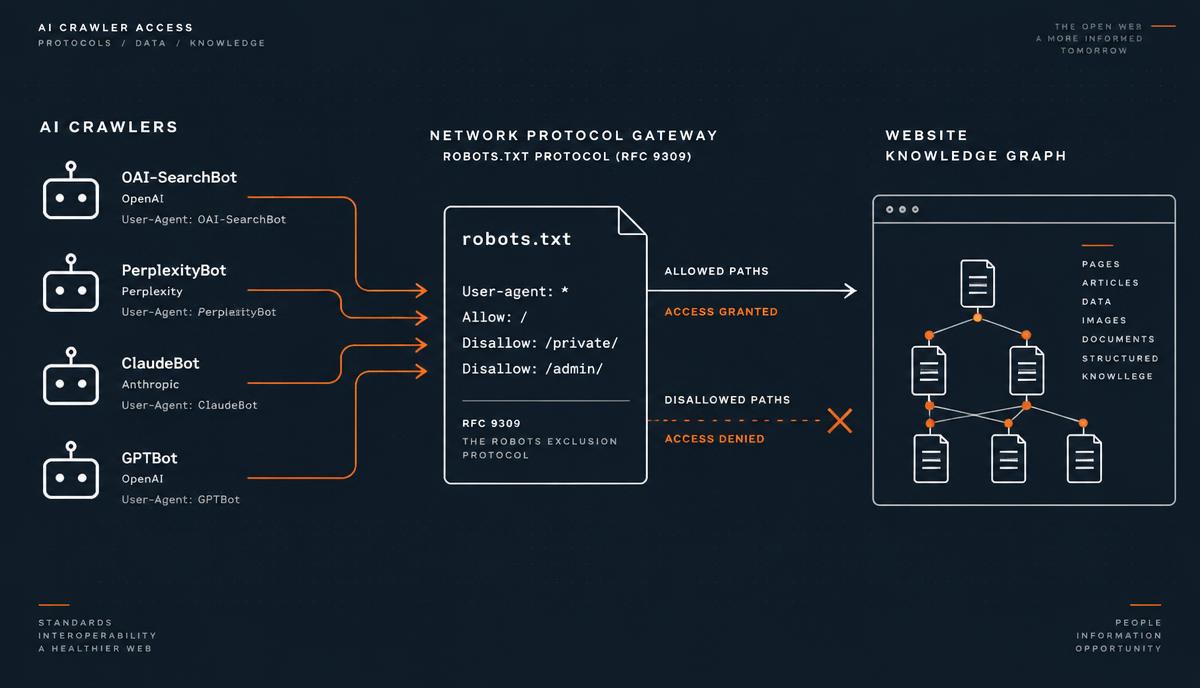
AI Crawler Access & robots.txt: Technical Guide to GPTBot, ClaudeBot, and PerplexityBot Indexation
How AI search engines like ChatGPT, Claude and Perplexity crawl the web, how RFC 9309 rules work, and how to configure robots.txt to maximize citation frequency while protecting sensitive endpoints.
Nov 10, 2026 · 8 min read